One library, every source
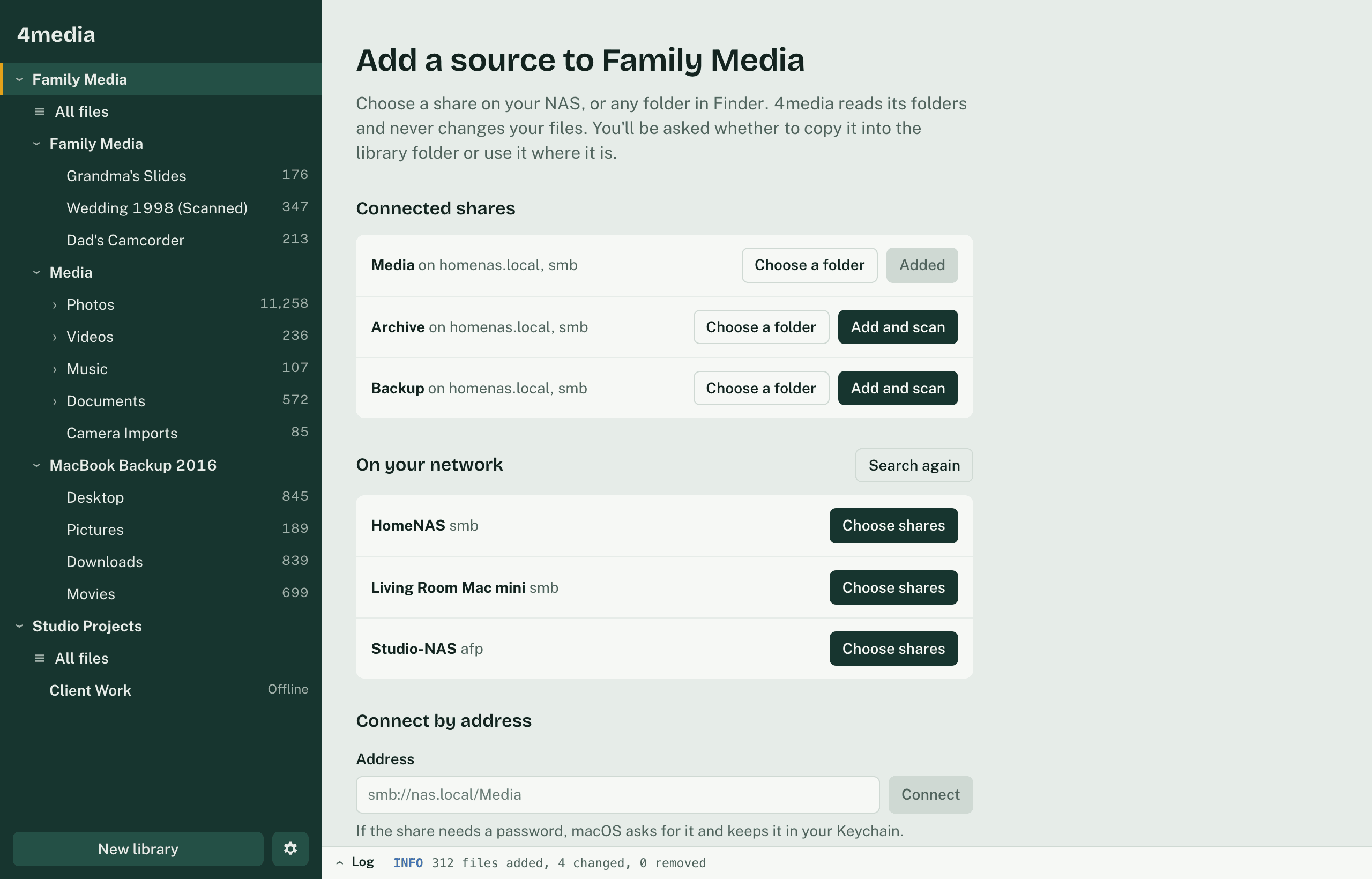
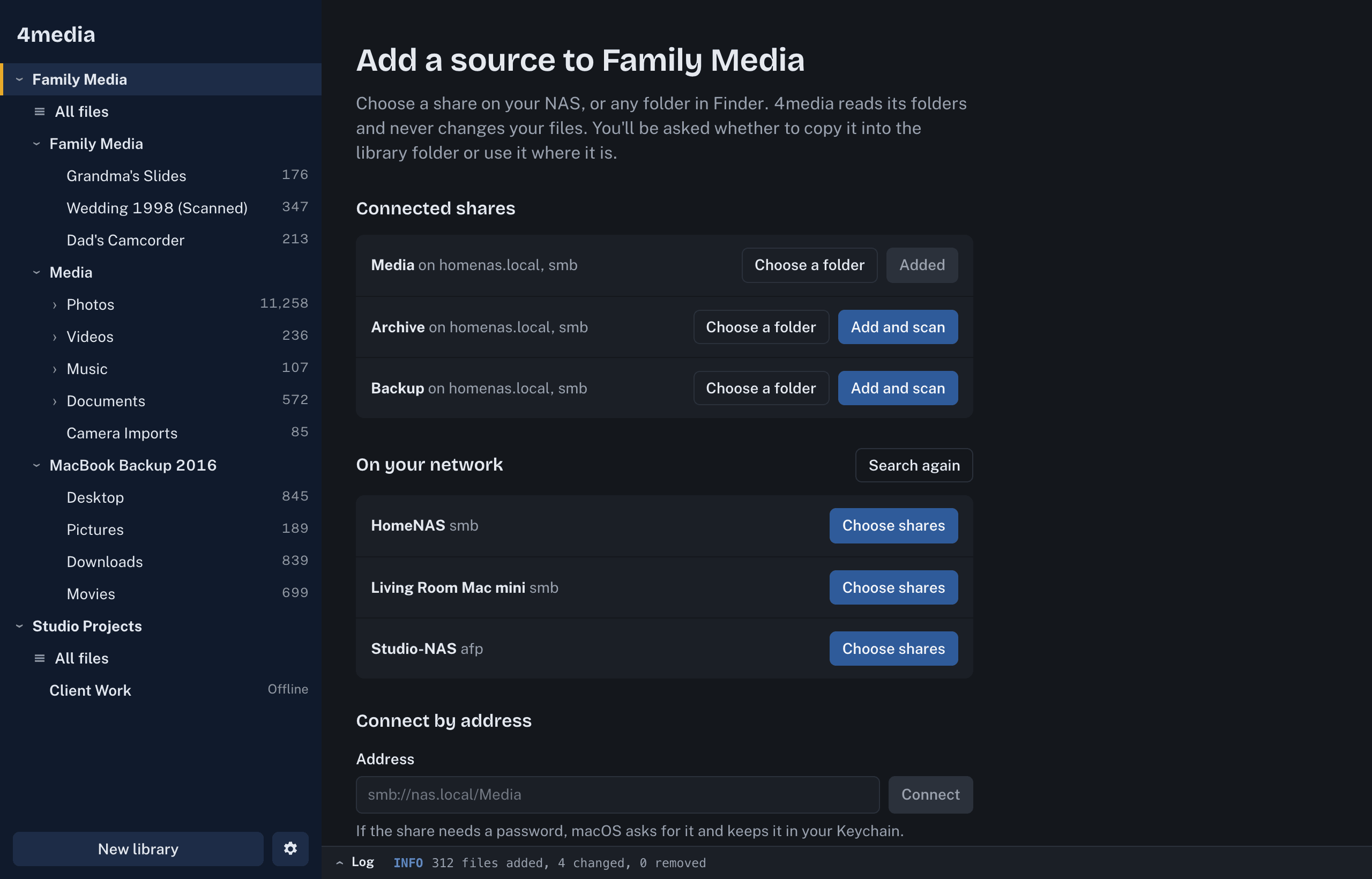
Add shares, folders and backups to a library and browse them as one. Each source keeps its own folder tree; All files puts everything in a single list you can search and sort.
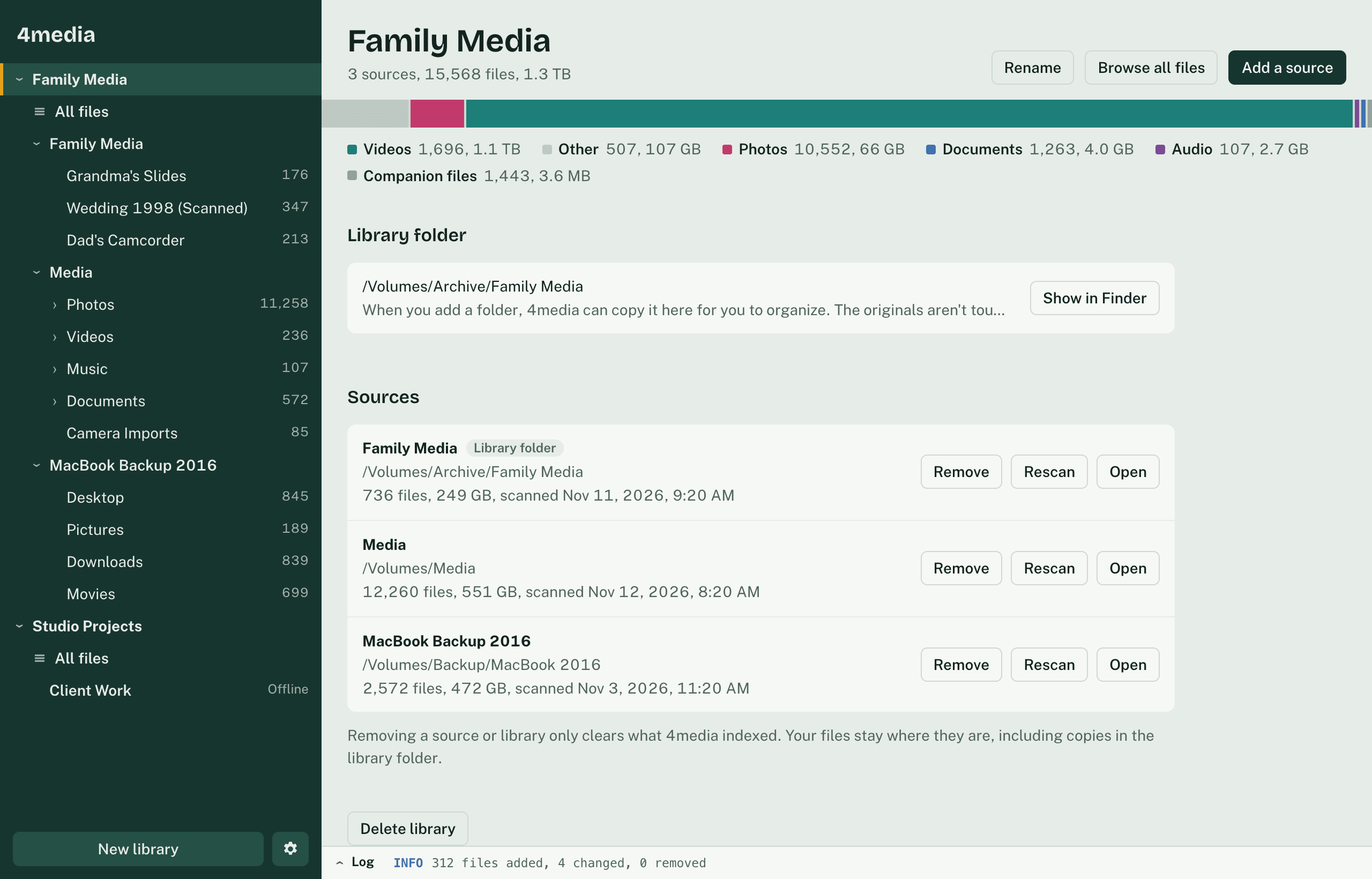
4media brings together everything scattered across your NAS shares, old laptop backups and forgotten drives — and makes it fast to browse. It never changes a single file.
Version 0.1.0 · No account needed
Features
Twenty years of pictures on a NAS, three old laptops, a box of scanned slides. 4media was built for exactly that — big, messy and spread across the house.
Add shares, folders and backups to a library and browse them as one. Each source keeps its own folder tree; All files puts everything in a single list you can search and sort.
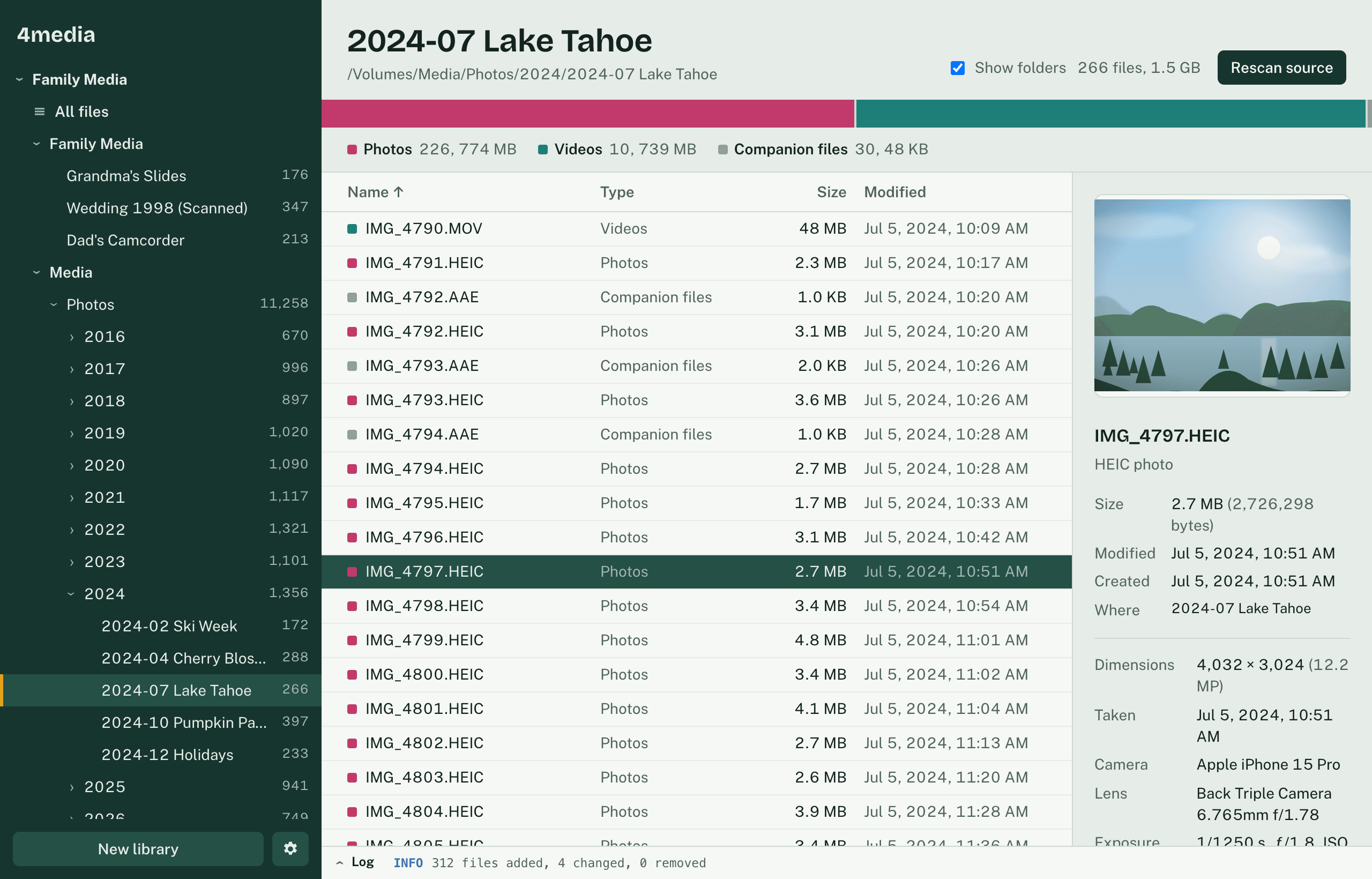
Select a photo to see when it was taken, the camera and lens, exposure and where on the map — read straight from the file.
Servers on your network appear on their own. Choose a share, or connect by address — passwords stay in your Keychain.
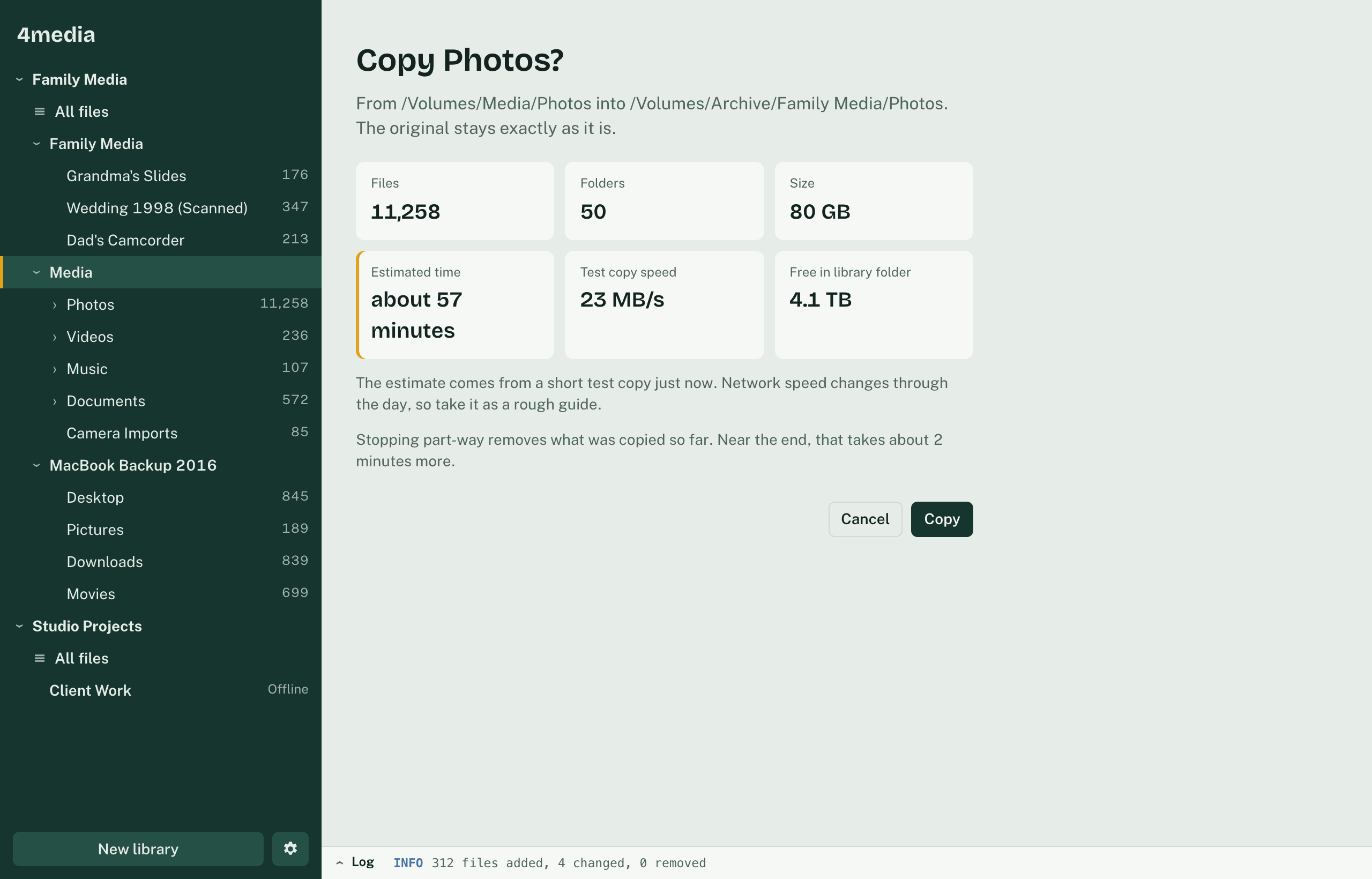
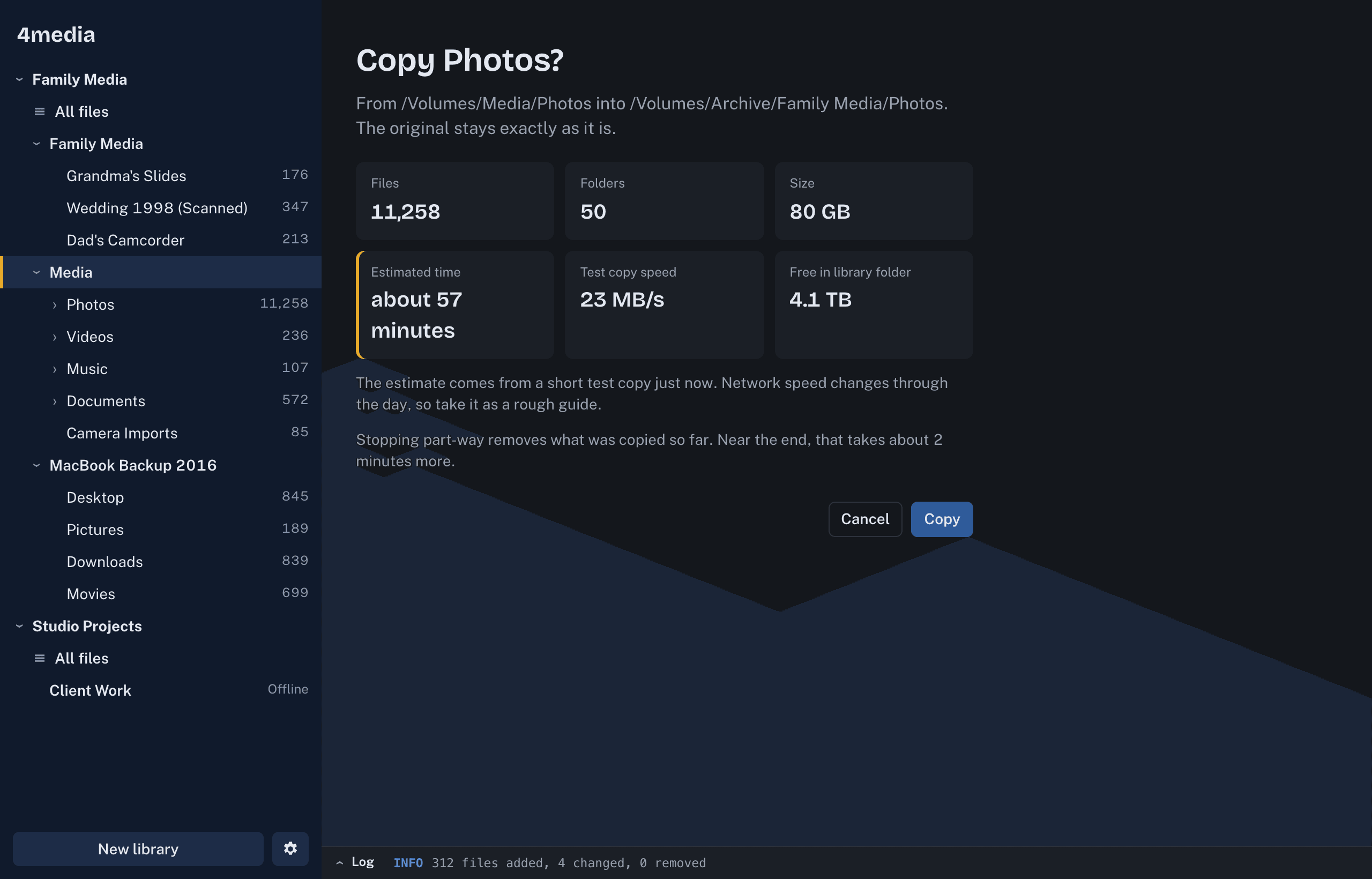
Copy a folder from an old drive into your library's own folder. 4media counts it, times a short test copy and tells you how long it'll take. If a copy breaks off, the next try picks up where it stopped.
4media reads your shares and never writes to them. Removing a library only forgets the index.
Each rescan compares against the index, so only added, changed and removed files are touched.
A folder that can't be read keeps what was indexed. A dropped share never looks like deleted files.
Find any file by name across every source, then narrow to photos, videos, audio or documents.
Every folder shows how many files it holds and what kinds — before you open it.
On Wi-Fi with a big copy ahead? 4media suggests a cable and shows the speed it measured.
Scans, copies and connections are written in plain language, with problems flagged until you look.
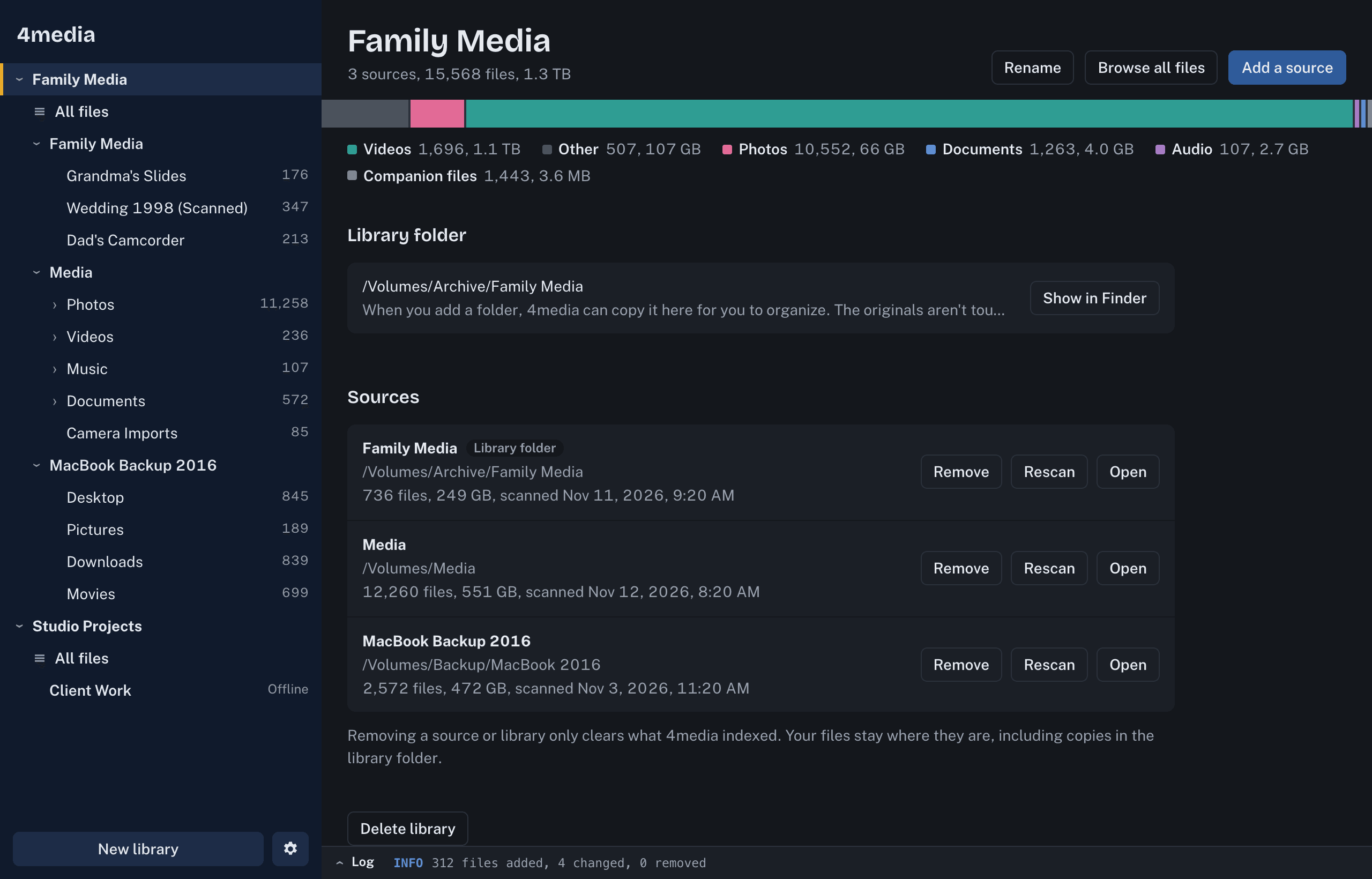
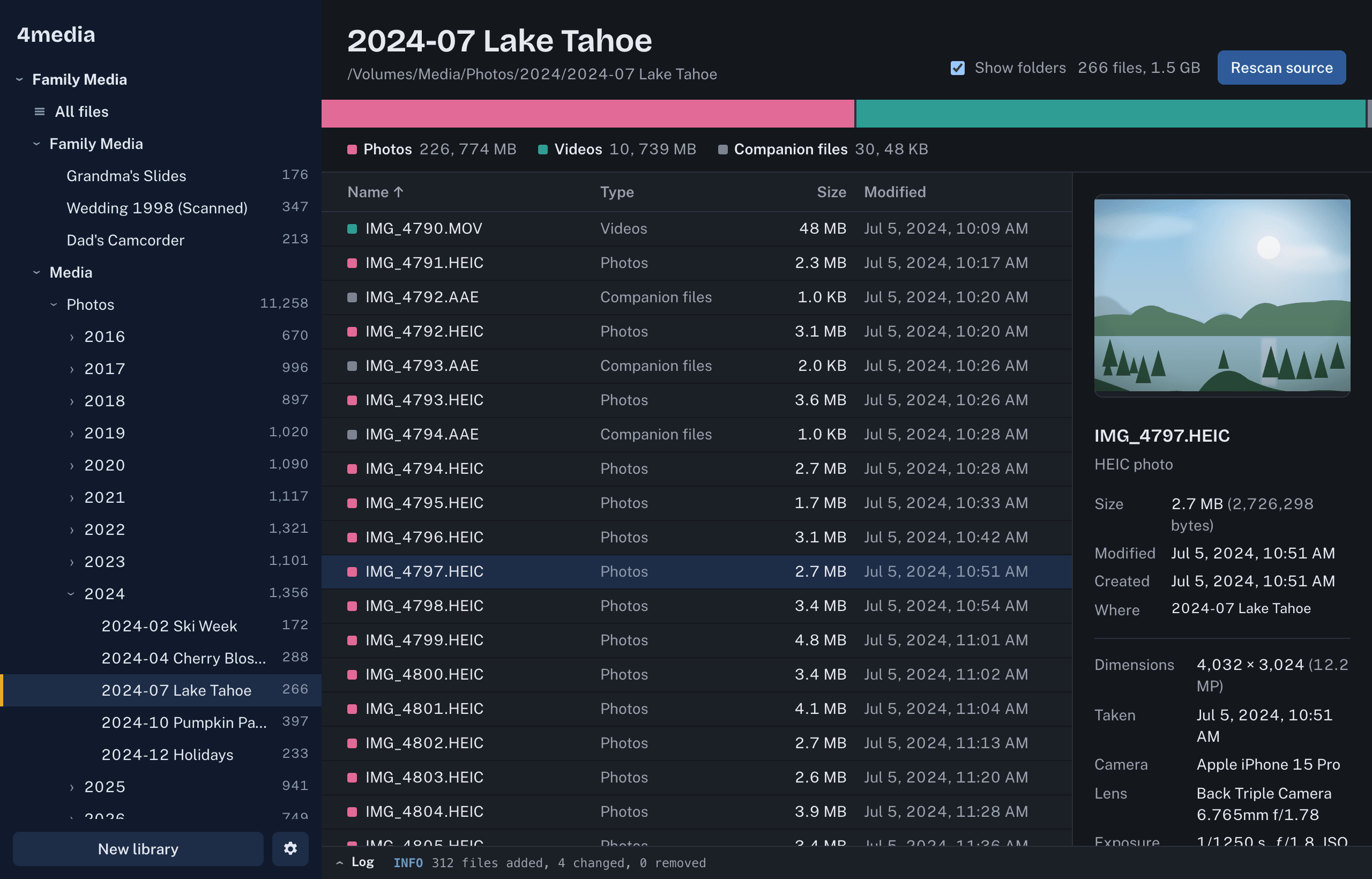
Follows your Mac's appearance, or pick one. Both were designed, not inverted.
Screens
Real screens from 4media, shown with a sample library. Switch the page to dark mode to see the dark ones.
Folders, totals and file lists come from 4media's own index, so a 5,000-photo folder opens instantly — even when the NAS is slow to answer.
How it works
Pick a share on your NAS, a backup drive or any folder in Finder. Add as many as you like to one library.
4media reads the folder structure into a small index on your Mac, showing what it has found as it goes. Later rescans only pick up what changed.
Open any folder instantly, look through photos full size, and copy loose folders into your library's own home when you're ready.
Under the hood
4media is a native Mac app built with Rust, SQLite and Tauri. Network shares are slow to answer, so everything is designed around asking them as little as possible.
INFO  scan Media: listing 8 folders at a time
INFO  scan 48,211 files in 1,904 folders, 812 GB
INFO  scan 312 added, 4 changed, 0 removed
WARN  scan Kept 2 folders that didn't answer
INFO copy Test copy: 23 MB/s, about 54 minThe promise
FAQ
Download 4media free and point it at your NAS. Your whole family archive, together in one place.
For macOS · Free